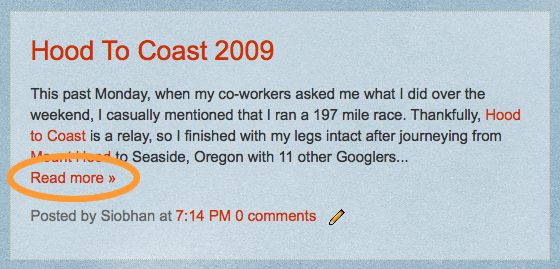
Google Blogger has added new feature, an easy way to show posts summaries on your blog index page! But if you still don't see the "read more" link like I did! Google knows why, But I had to dig into it a little bit more..


After Google Blogger 10th anniversary.. Google Blogger promises that many of our dreams as Bloggers will come true so soon.. by dreams I mean "Product Ideas for Blogger" which Google has launched on last April to collect users votes & feature requests on blogger.
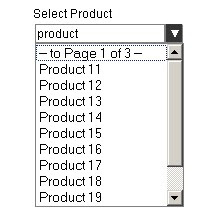 Few months ago I posted a Javascript class on how to Implement a paging listbox using jQuery. which has drawn a lot of traffic and few questions lately so I thought it would be more convenient to rewrite the code as jQuery plugin and make few enhancements plus providing a complete sample code in VB.Net and C#.
Enhancements:
 Have you spent much time adding posts thumbnails using custom fields.. or -like me- spent much time trying many plugins that either not working well or very limited.
 My first jQuery Plugin.. A 4KB jQuery plugin instead of a 118KB Google Blog Bar!!
I have shown before how to use Google Blog Bar as related posts widget, But when I actually tried to use it on my site, I didn't like all these JavaScript/CSS files that I've to include.
And since I already use jQuery -and who doesn't- I decided to rebuild the Blog Bar from scratch.
 The Google AJAX Search API provides simple web objects that perform inline searches over a number of Google services (Web Search, Local Search, Video Search, Blog Search, News Search, Book Search, Image Search, and Patent Search).
It is an old news that: The API exposes a raw RESTful interface that returns JSON encoded results so it would be easily processed by most languages and runtimes.
 Web developer, jQuery plugin author, social media fan and Technology Blogger.